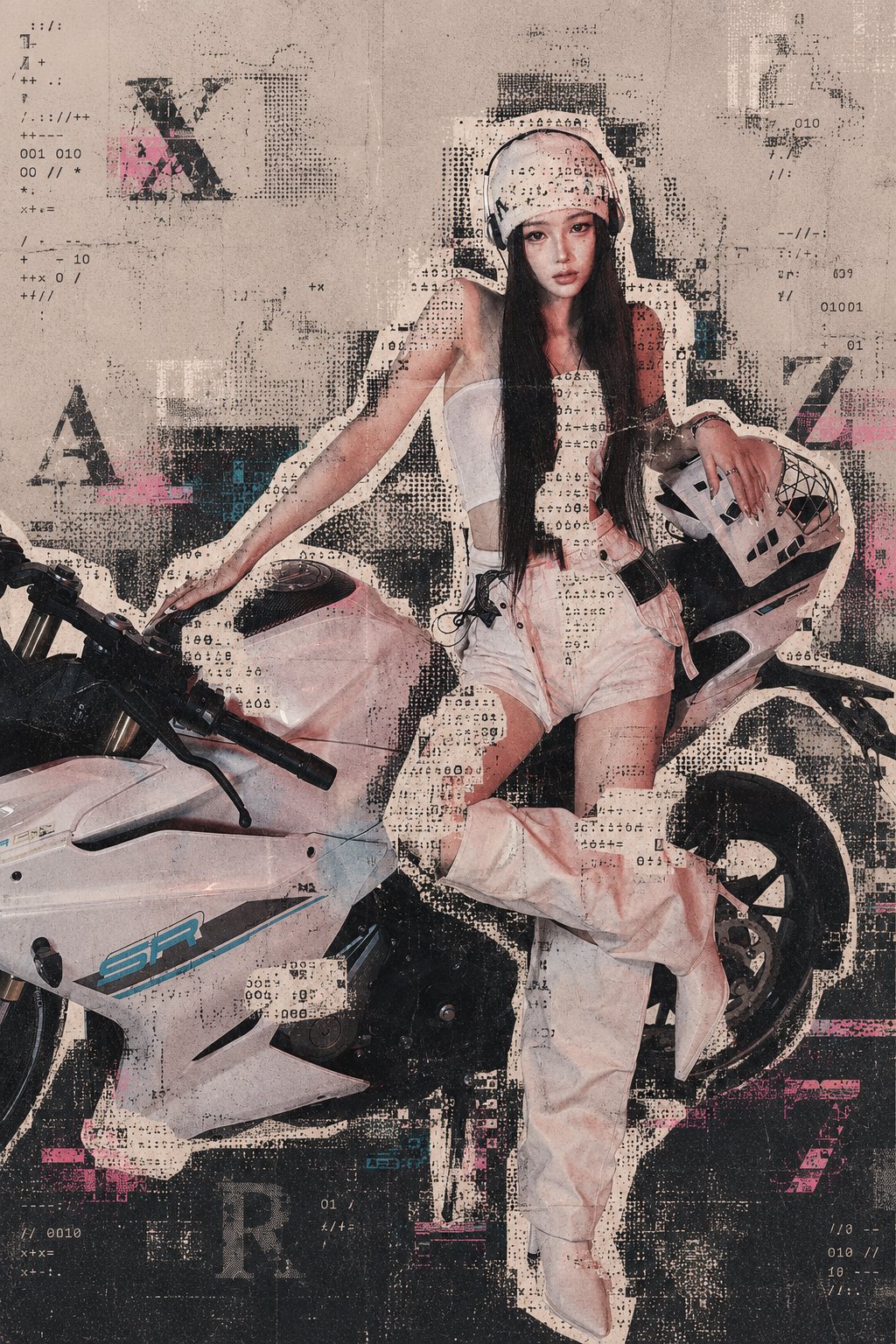
Archive Outline Glitch

Prompt
Use the uploaded photo as a locked base image for in-place editing. Do not redraw, reposition, crop, expand, scale, rotate, move, or reconstruct the original image. Strictly preserve the number, position, size, pose, silhouette, foreground-background relationships, contact relationships, background, lighting, shadows, and perspective of the people, motorcycle, and all other existing subjects. Only overlay the visual effect of “subject outline scrambled stickers × archival print glitches.” The stickers should use warm off-white paper, black and gray halftones, scrambled ASCII characters, pixel dots, photocopy noise, scanning glitches, registration shifts, paper fibers, faded ink, and other distressed printing elements. The stickers should be precisely cut along the real contours of the existing subjects. Abstract English letters and characters may be added as graphic design elements, but they may only appear in fragmented, scattered, rotated, obscured, mirrored, repeated, semi-transparent, or misregistered forms. They must not form any readable words, brands, logos, numbers, watermarks, or real textual information. Do not add or preserve any logos, brand identifiers, watermarks, QR codes, UI interfaces, recognizable text, or readable textual information. Preserve approximately 50% of the subjects' original colors and recognizable visual features. Reduce the overall color saturation and introduce a warm, aged archival oxidation texture. Unify the image with paper grain, screen-printing texture, photocopy artifacts, printing registration errors, and subtle RGB channel misalignment.