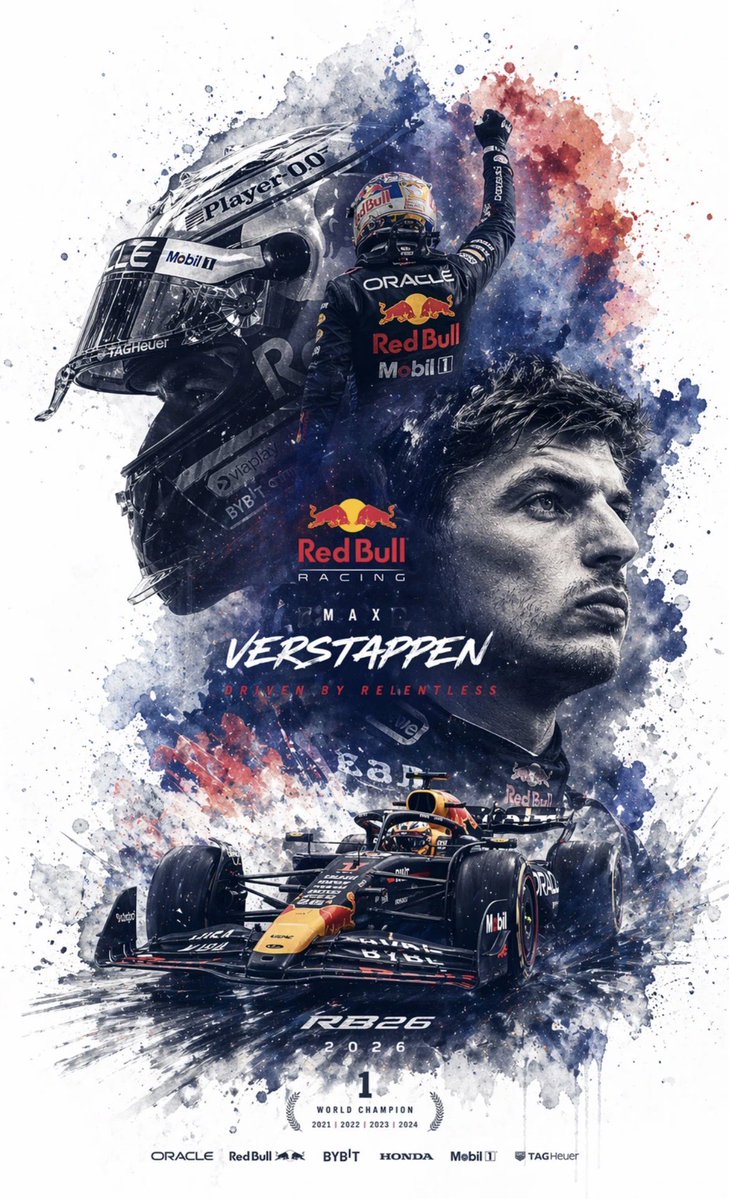
Editable PSD layer generation
Prompt
Generate a based on the reference image. Please break down the image into several independent elements without changing their original positions, and generate corresponding layers in Photoshop: 1. Subject: use an image generation tool to create a PNG without background, then copy it into the corresponding Photoshop layer. 2. Effects: such as light effects, decorations, or atmospheric elements; similarly generate PNGs without background and copy them into layers. 3. Text: prioritize using Photoshop native text tools to adjust font, size, color, and style; if the font cannot be replicated, generate a PNG text image without background and place it in the correct position. 4. All elements should maintain consistent position, size, and layer hierarchy with the reference image. 5. Finally, output a PSD file that can be opened and edited in Photoshop.